Aminata Surname, UX/UI designer. I design, in Figma, from what people actually do, and I build Claude CodeLovableGeminiVS Code what I design.

I map how people really move through a product, then design and build the path.

Available from November 2026aminata@example.comCV (PDF)

Selected work

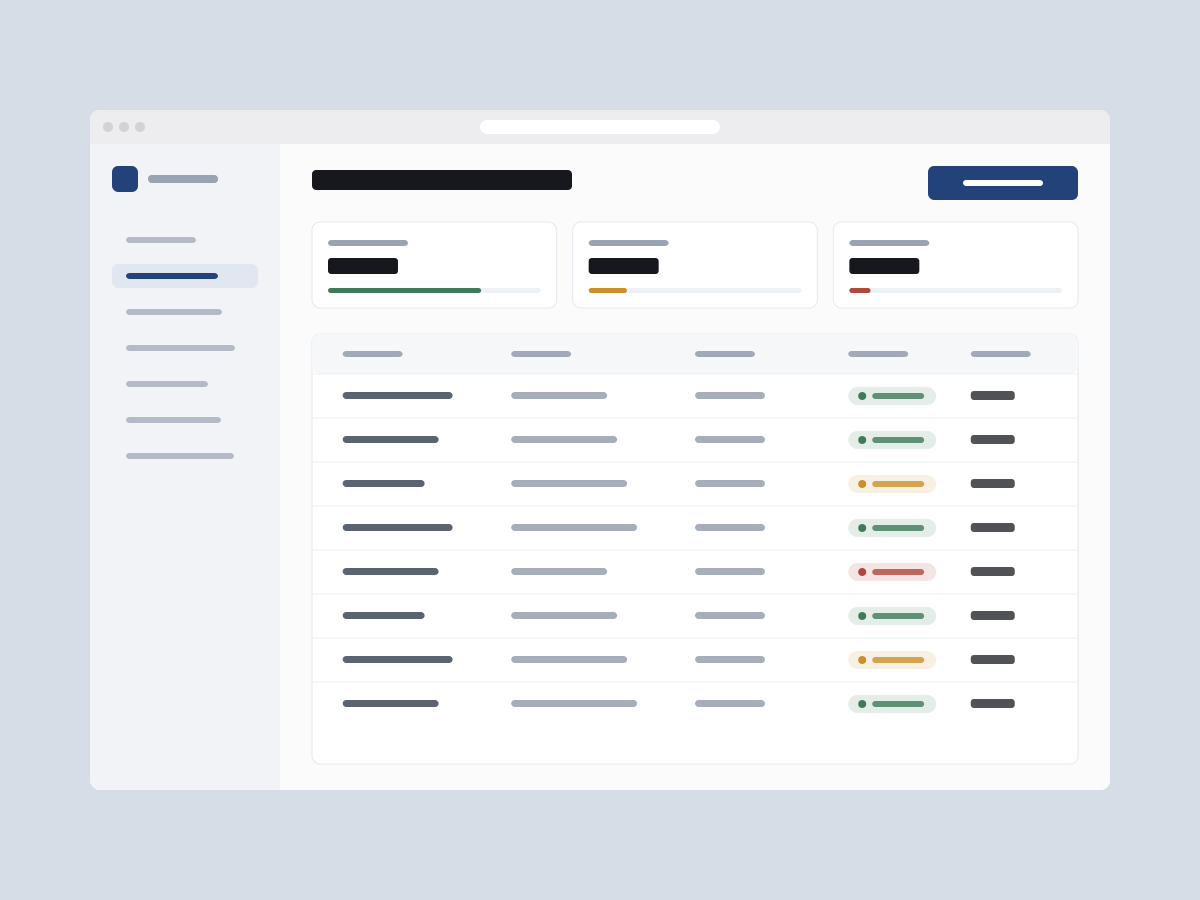
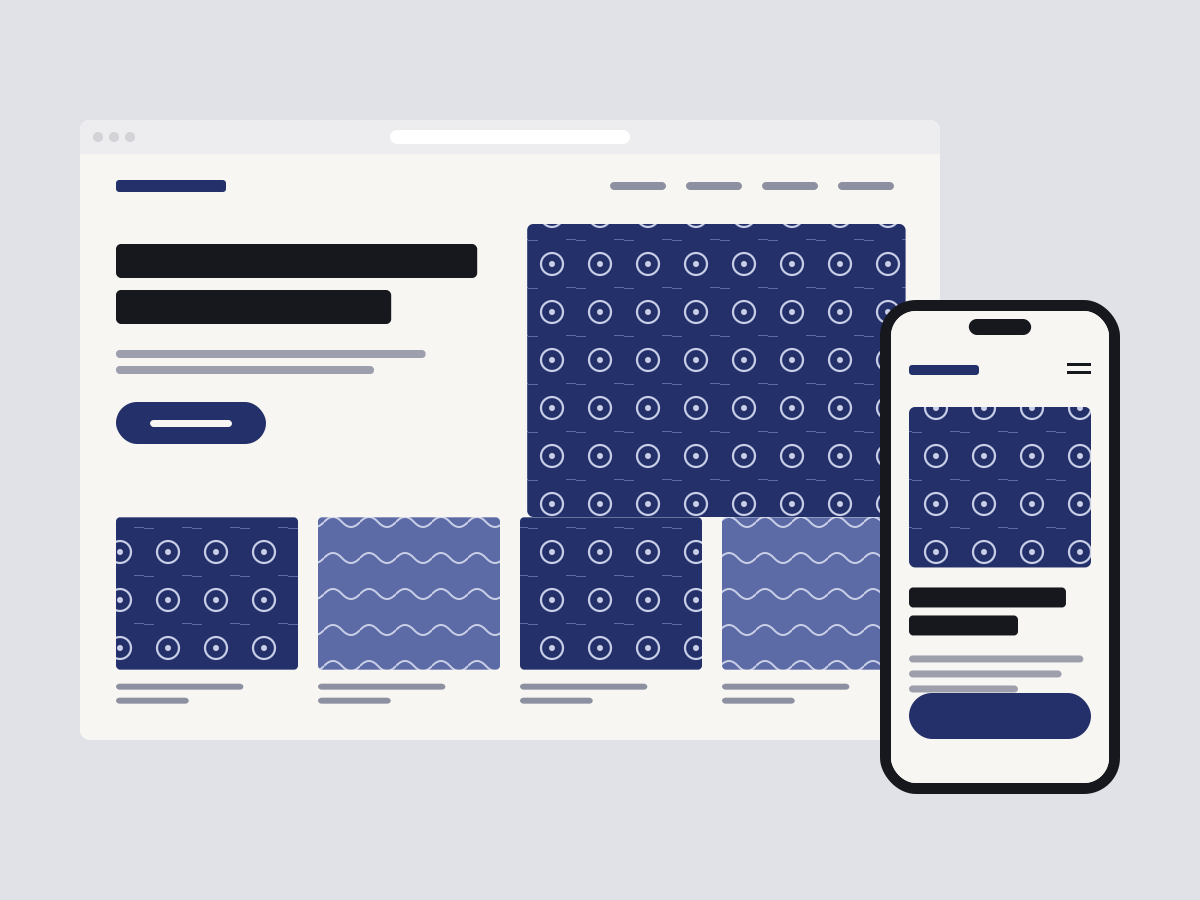
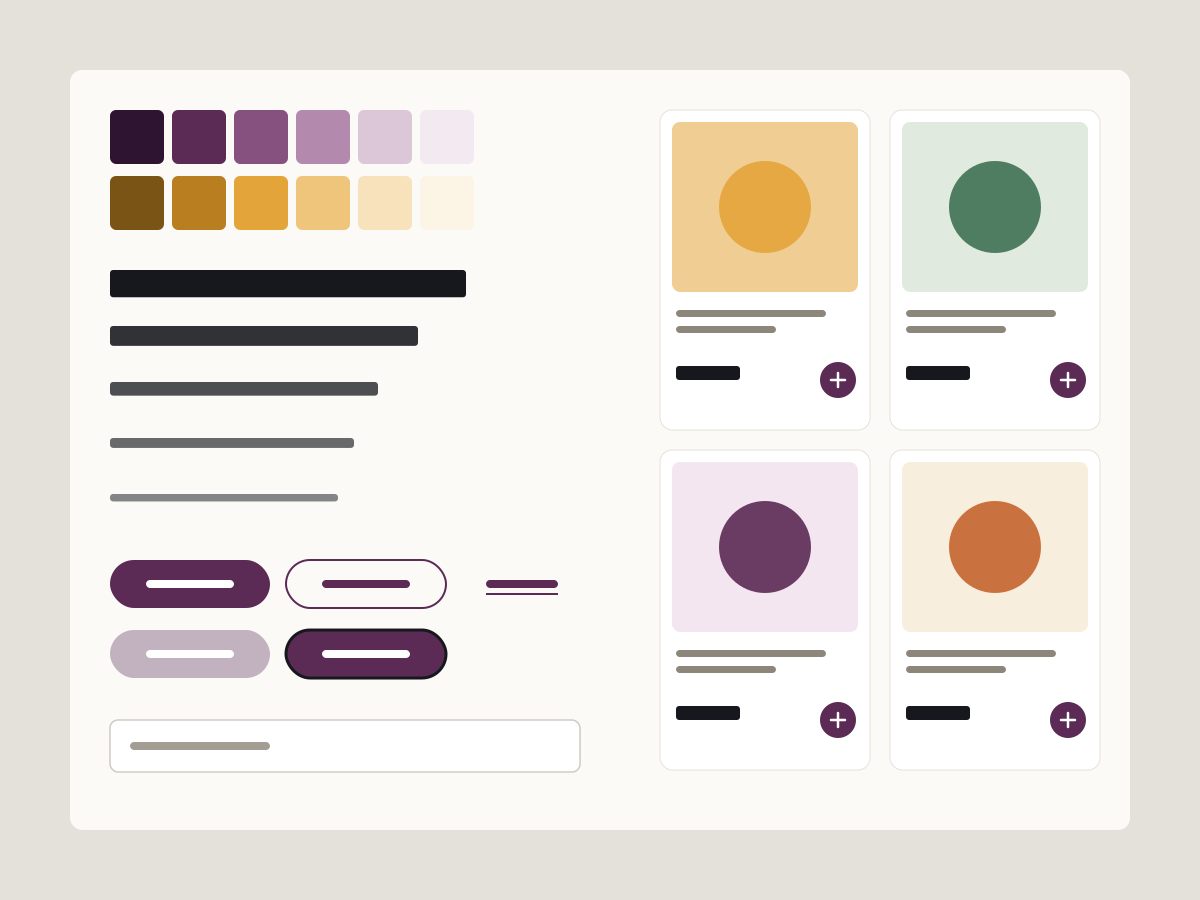
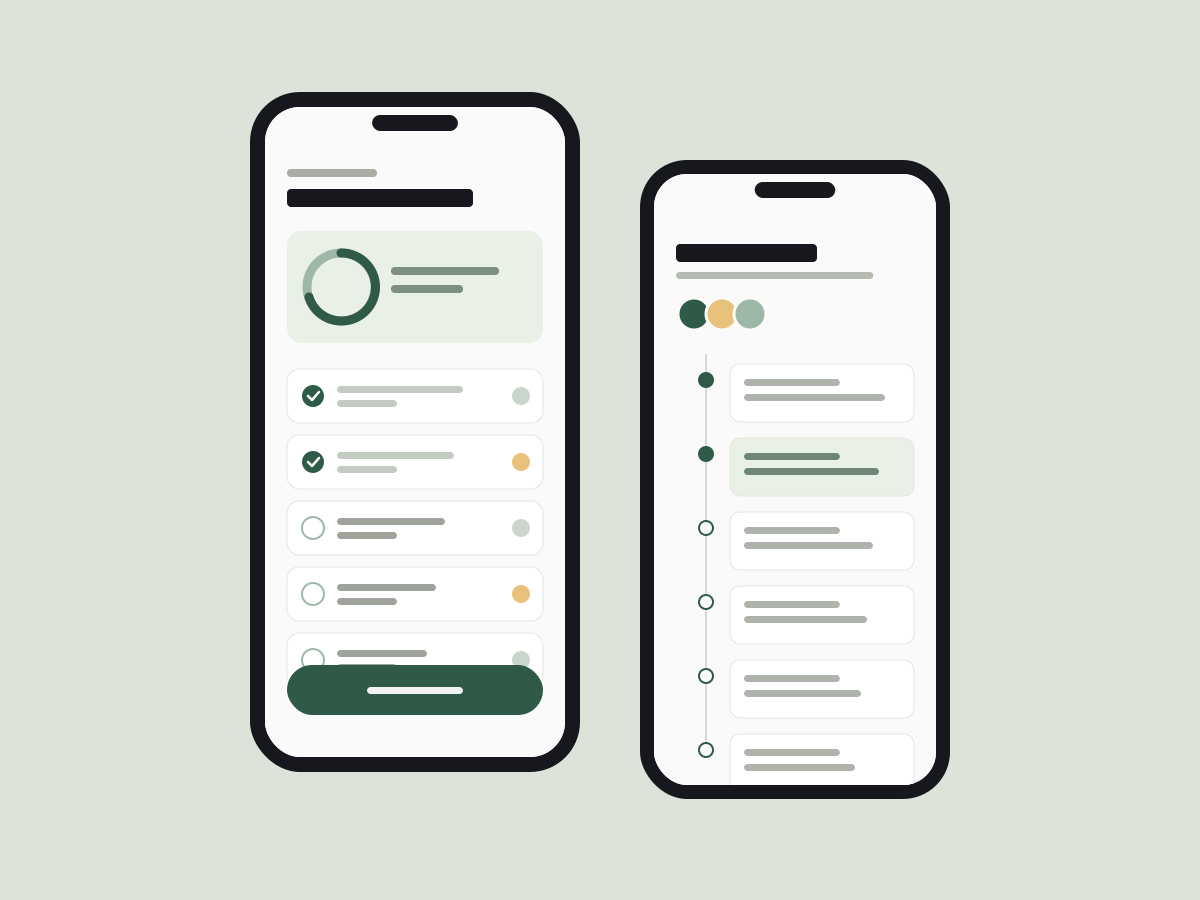
Four projects: a mobile app, a SaaS tool, a website I designed and built, and a design system. Each one opens on the flow I mapped for it.
How I build

Carrow · Today flowFigJam boardOpens CarrowSees TodayLogs a doseFamily sees itSiblings miss doseswhen the group chatgets busy.Interview 2“I just want to taponce and know Dadhas seen it.”Interview 4Show WHO loggedeach dose, notjust that it’s done.SynthesisAminataCarrow / TodayLayers#Today — iPhone 15◇StatusBarTHeader◆Card/Progress◆List/CareMoment◆List/CareMoment◆List/CareMoment◆List/CareMoment◆Button/Primary◆TabBarButton/PrimaryVariantDefaultVariablesFillcare/green-700Labeltext/on-darkRadiusradius/fullPaddingspace/3 · space/6Heightsize/tap-48Today — iPhone 159:41Tuesday 14 OctoberToday for Mum3 of 5care moments doneNext upMorning tablets8:00 · Dad loggedBreakfast8:30 · Tobi loggedBlood pressure9:30 · YouLunch tablets12:30 · AdeLog a dose240 × 48carrow-today.lovable.appChatMake the Today screen frommy Figma. Make it clickable.Done. Tap “Log dose” to tryit. Share the link to test.Ask for a change…9:41Tuesday 14 OctoberToday for Mum3 of 5care moments doneNext upMorning tablets8:00 · Dad loggedBreakfast8:30 · Tobi loggedBlood pressure9:30 · YouLunch tablets12:30 · AdeLog doseDose logged ✓Quick test · 5 peopleP1Logged a dose4s ✓P2Logged a dose3s ✓P3Looked for a + button✗P4Logged a dose3s ✓P5Logged a dose5s ✓ChangeLabel it “Log a dose”.claude — carrow✻ Claude Code> Build the Today screen from today.spec.md and tokens.json⏺ Read today.spec.md · 6 states⏺ Read tokens.json · 24 tokens⏺ Write ProgressRing.tsx⏺ Write CareMoment.tsx⏺ Write Today.tsx⏺ Bash npm test ✓ 12 passedBuilt at 375, 768 and 1280.Ready for your review.9:41Tuesday 14 OctoberToday for Mum3 of 5care moments doneNext: blood pressure at 9:30Next upMorning tablets8:00 · Dad loggedBreakfast8:30 · Tobi loggedBlood pressure9:30 · YouLunch tablets12:30 · AdeLog a dosetokens.jsoncare/green-700#2F5A47care/green-100#E9F0E6ink/900#16181Dradius/l16space/416size/tap-4848Today.tsx1<main>2 <h1>Today for Mum</h1>3 <ProgressRing4 value={3} max={5}5 aria-label="3 of 5 care6 moments done" />7 <CareList items={next} />8 <Button variant="primary"9 onClick={logDose}>10 Log a dose11 </Button>12</main>⊗ 0 ⚠ 0 Ln 9, Col 239:41Tuesday 14 OctoberToday for Mum3 of 5care moments doneNext: blood pressure at 9:30Next upMorning tablets8:00 · Dad loggedBreakfast8:30 · Tobi loggedBlood pressure9:30 · YouLunch tablets12:30 · AdeLog a doseh1 · Today for Mumalt · 3 of 5 care moments donefocus · 2.5px ring, 48px tallPre-ship checksFocus visible on every controlHeadings in order, h1 → h2Alt text on 3 of 3 imagesTap targets 48px or moreText contrast 7.1 : 1Images sized, no layout shift9:41Tuesday 14 OctoberToday for Mum3 of 5care moments doneNext: blood pressure at 9:30Next upMorning tablets8:00 · Dad loggedBreakfast8:30 · Tobi loggedBlood pressure9:30 · YouLunch tablets12:30 · AdeLog a dosecarrow.appCARROW · nowTobi logged blood pressure128/82, 9:31. Nothing else due.One routine, four of usDad, Tobi, Ade and you
  1. Step 1, Figma, FigJam

    Decide in Figma

    Map the flow, then design the key screens with real components and named variables. I pick names a developer would use.

  2. Step 2, Lovable

    Test a rough version

    A clickable version on a real link in an afternoon, so users can try it before anything is precious. Then it gets thrown away.

  3. Step 3, Claude Code

    Build with Claude Code

    Frames, tokens and a written spec for every state and screen size go in. Production code comes out, one page at a time.

  4. Step 4, VS Code

    Finish by hand

    I read every change: focus states, heading order, alt text, image sizes. AI is fast, not careful, so being careful is my job.

  5. Then

    Live

    A real link people can use.

How I build

  1. Carrow · Today flowFigJam boardOpens CarrowSees TodayLogs a doseFamily sees itSiblings miss doseswhen the group chatgets busy.Interview 2“I just want to taponce and know Dadhas seen it.”Interview 4Show WHO loggedeach dose, notjust that it’s done.SynthesisAminataCarrow / TodayLayers#Today — iPhone 15◇StatusBarTHeader◆Card/Progress◆List/CareMoment◆List/CareMoment◆List/CareMoment◆List/CareMoment◆Button/Primary◆TabBarButton/PrimaryVariantDefaultVariablesFillcare/green-700Labeltext/on-darkRadiusradius/fullPaddingspace/3 · space/6Heightsize/tap-48Today — iPhone 159:41Tuesday 14 OctoberToday for Mum3 of 5care moments doneNext upMorning tablets8:00 · Dad loggedBreakfast8:30 · Tobi loggedBlood pressure9:30 · YouLunch tablets12:30 · AdeLog a dose240 × 48

    Step 1, Figma, FigJam

    Decide in Figma

    Map the flow, then design the key screens with real components and named variables. I pick names a developer would use.

  2. carrow-today.lovable.appChatMake the Today screen frommy Figma. Make it clickable.Done. Tap “Log dose” to tryit. Share the link to test.Ask for a change…9:41Tuesday 14 OctoberToday for Mum3 of 5care moments doneNext upMorning tablets8:00 · Dad loggedBreakfast8:30 · Tobi loggedBlood pressure9:30 · YouLunch tablets12:30 · AdeLog doseDose logged ✓Quick test · 5 peopleP1Logged a dose4s ✓P2Logged a dose3s ✓P3Looked for a + button✗P4Logged a dose3s ✓P5Logged a dose5s ✓ChangeLabel it “Log a dose”.

    Step 2, Lovable

    Test a rough version

    A clickable version on a real link in an afternoon, so users can try it before anything is precious. Then it gets thrown away.

  3. claude — carrow✻ Claude Code> Build the Today screen from today.spec.md and tokens.json⏺ Read today.spec.md · 6 states⏺ Read tokens.json · 24 tokens⏺ Write ProgressRing.tsx⏺ Write CareMoment.tsx⏺ Write Today.tsx⏺ Bash npm test ✓ 12 passedBuilt at 375, 768 and 1280.Ready for your review.9:41Tuesday 14 OctoberToday for Mum3 of 5care moments doneNext: blood pressure at 9:30Next upMorning tablets8:00 · Dad loggedBreakfast8:30 · Tobi loggedBlood pressure9:30 · YouLunch tablets12:30 · AdeLog a dosetokens.jsoncare/green-700#2F5A47care/green-100#E9F0E6ink/900#16181Dradius/l16space/416size/tap-4848

    Step 3, Claude Code

    Build with Claude Code

    Frames, tokens and a written spec for every state and screen size go in. Production code comes out, one page at a time.

  4. Today.tsx1<main>2 <h1>Today for Mum</h1>3 <ProgressRing4 value={3} max={5}5 aria-label="3 of 5 care6 moments done" />7 <CareList items={next} />8 <Button variant="primary"9 onClick={logDose}>10 Log a dose11 </Button>12</main>⊗ 0 ⚠ 0 Ln 9, Col 239:41Tuesday 14 OctoberToday for Mum3 of 5care moments doneNext: blood pressure at 9:30Next upMorning tablets8:00 · Dad loggedBreakfast8:30 · Tobi loggedBlood pressure9:30 · YouLunch tablets12:30 · AdeLog a doseh1 · Today for Mumalt · 3 of 5 care moments donefocus · 2.5px ring, 48px tallPre-ship checksFocus visible on every controlHeadings in order, h1 → h2Alt text on 3 of 3 imagesTap targets 48px or moreText contrast 7.1 : 1Images sized, no layout shift

    Step 4, VS Code

    Finish by hand

    I read every change: focus states, heading order, alt text, image sizes. AI is fast, not careful, so being careful is my job.

  5. 9:41Tuesday 14 OctoberToday for Mum3 of 5care moments doneNext: blood pressure at 9:30Next upMorning tablets8:00 · Dad loggedBreakfast8:30 · Tobi loggedBlood pressure9:30 · YouLunch tablets12:30 · AdeLog a dosecarrow.appCARROW · nowTobi logged blood pressure128/82, 9:31. Nothing else due.One routine, four of usDad, Tobi, Ade and you

    Then

    Live

    A real link people can use.

See all four steps on a real brief in the Indigo Yard case study.

About me

  1. Starts with people
  2. Designs and builds
  3. Hard problems, not decoration

I’m Aminata, a UX/UI designer. I start with the people who will use the thing: talking to them, watching them work, and mapping where they get stuck. Then I design the screens, and more and more often I build them too.

I like problems where the hard part is understanding rather than decoration: care, money, small businesses, tools people use every day. I do my best work with teams who let me talk to their users.

Based in
City, working remotely
Available
Open to product design roles and freelance projects from November 2026.

Skills and tools

Practice

  • User research, with Google Gemini and Lovable. Interviews, diary studies, usability tests, synthesis
  • Flows and structure, with Figma. User flows, sitemaps, content inventories
  • Interface design, with Figma. Mobile apps, web apps, responsive sites
  • Design systems, with Figma and Claude Code. Tokens, components, documentation
  • Prototyping, with Figma, Lovable and Claude Code. Figma prototypes and coded prototypes
  • Front-end builds, with Claude Code and Visual Studio Code. HTML, CSS and Astro, built with AI tools and checked by hand

Tools

  • Figma, used for Flows and structure, Interface design, Design systems and Prototyping. Flows, screens, components, variables, prototypes
  • Claude Code, used for Design systems, Prototyping and Front-end builds. Production builds and coded prototypes
  • Lovable, used for User research and Prototyping. Quick clickable versions to test with users
  • Google Gemini, used for User research. A second pair of eyes on research synthesis and copy
  • Visual Studio Code, used for Front-end builds. Reading and fixing every change before it ships

Contact

If people get stuck somewhere in your product, I’d like to hear about it.

aminata@example.com